To publish your Brillocraft mobile app on the Apple App Store, you must create an iOS developer account. This guide walks you through the full process step by step.
1. Enroll in the Apple Developer Program
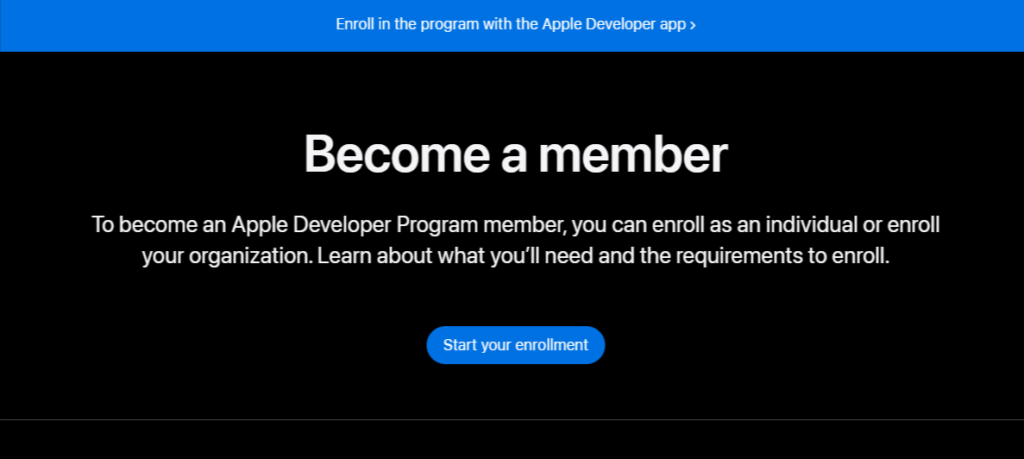
Go to the Apple Developer Program enrollment page.
Click Start Your Enrollment.
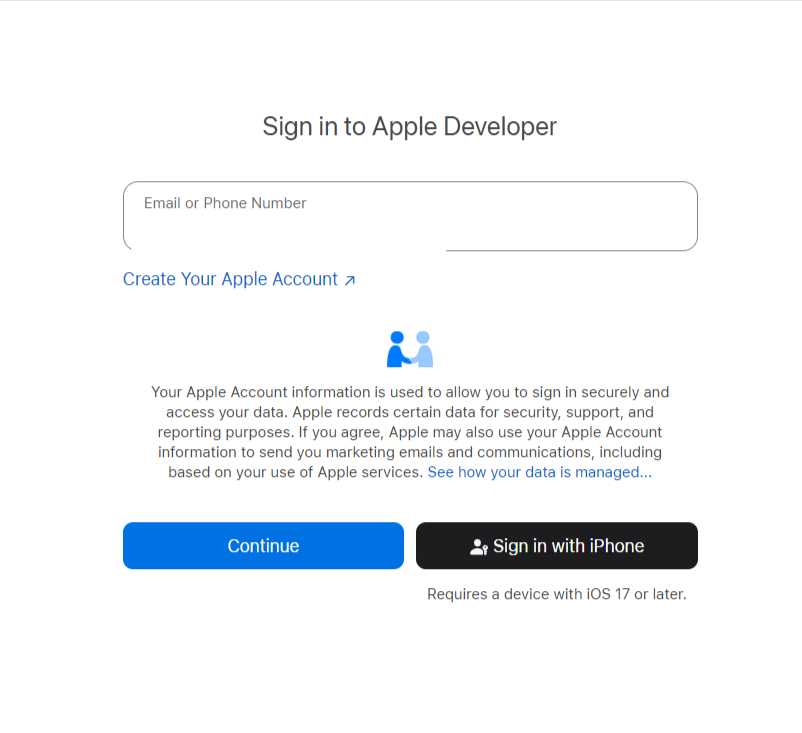
Sign in using your Apple ID.
Apple may ask for two-factor authentication.
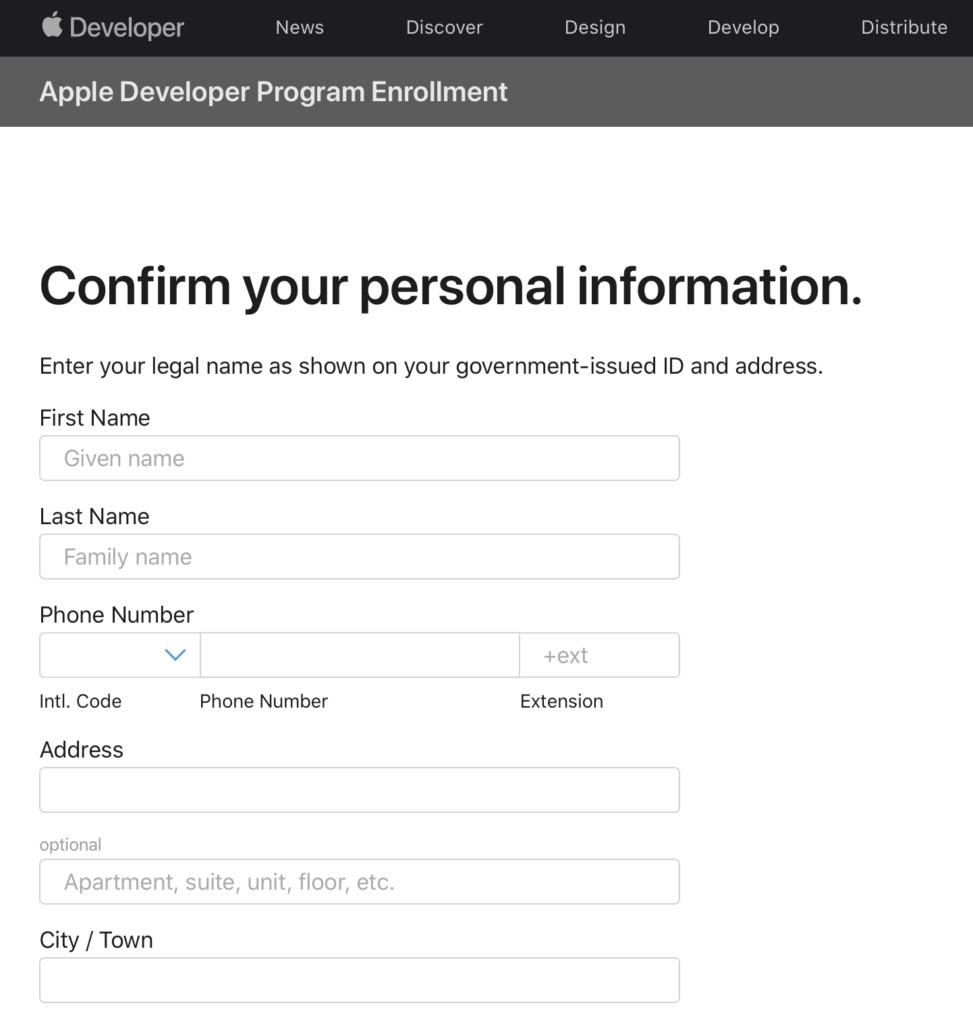
Fill out and confirm your personal information.
2. Select the Entity Type
Choose the entity type that best fits your situation:
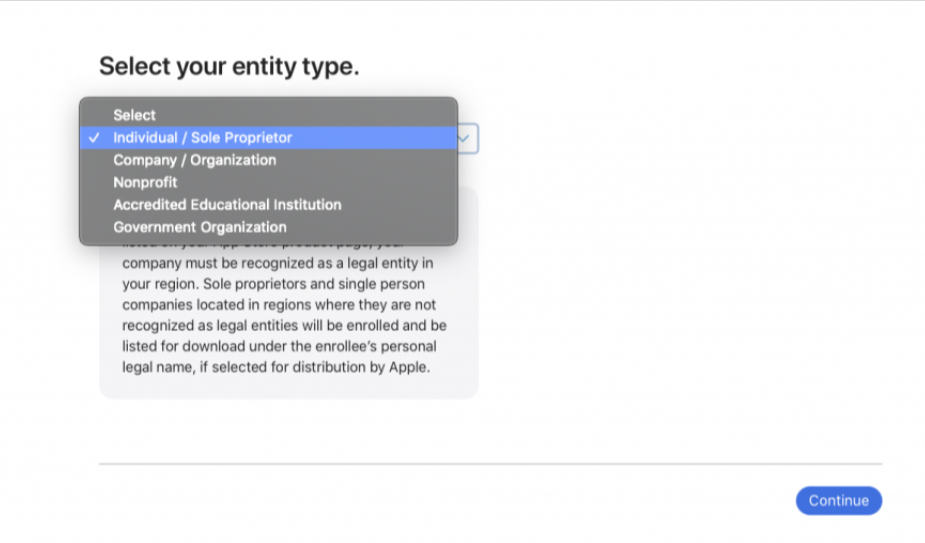
Individual
Apps are published under your personal name.
Organization
Apps are published under your company’s legal name.
Requires a D-U-N-S Number (free to obtain).
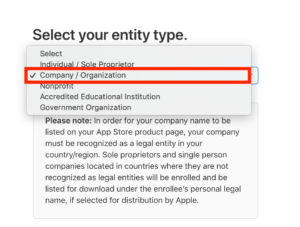
💡 Brillocraft Recommendation:
Choose Organization if this app represents a business or brand.
3. Complete Enrollment & Activate Your Account
Review and accept the Apple Developer Program License Agreement.
Click Continue, then Purchase.
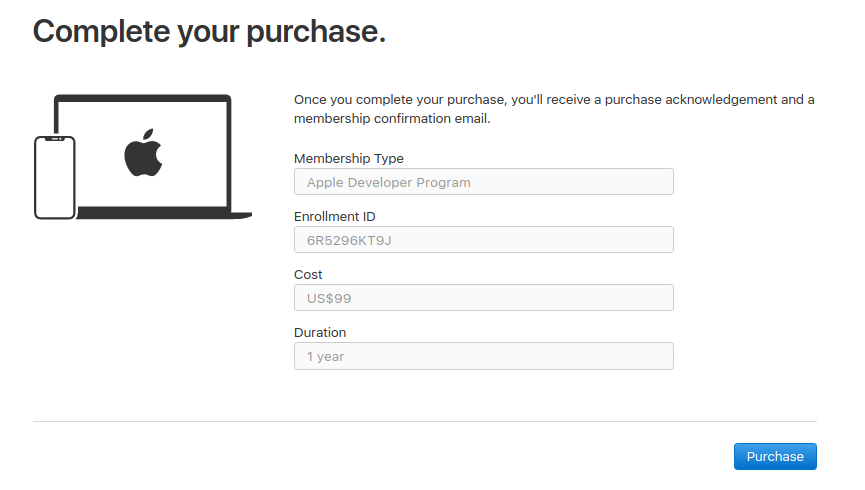
Enter your payment details and complete the purchase.
After payment, you will receive:
A purchase confirmation email
An activation confirmation email from Apple
Click the verification link in your email to activate your account.
Your iOS developer account is now ready 🎉
What’s Next?
Once your account is active, please follow our guide on inviting the Brillocraft team to your Apple developer account so we can handle app builds, TestFlight, and App Store submissions for you.